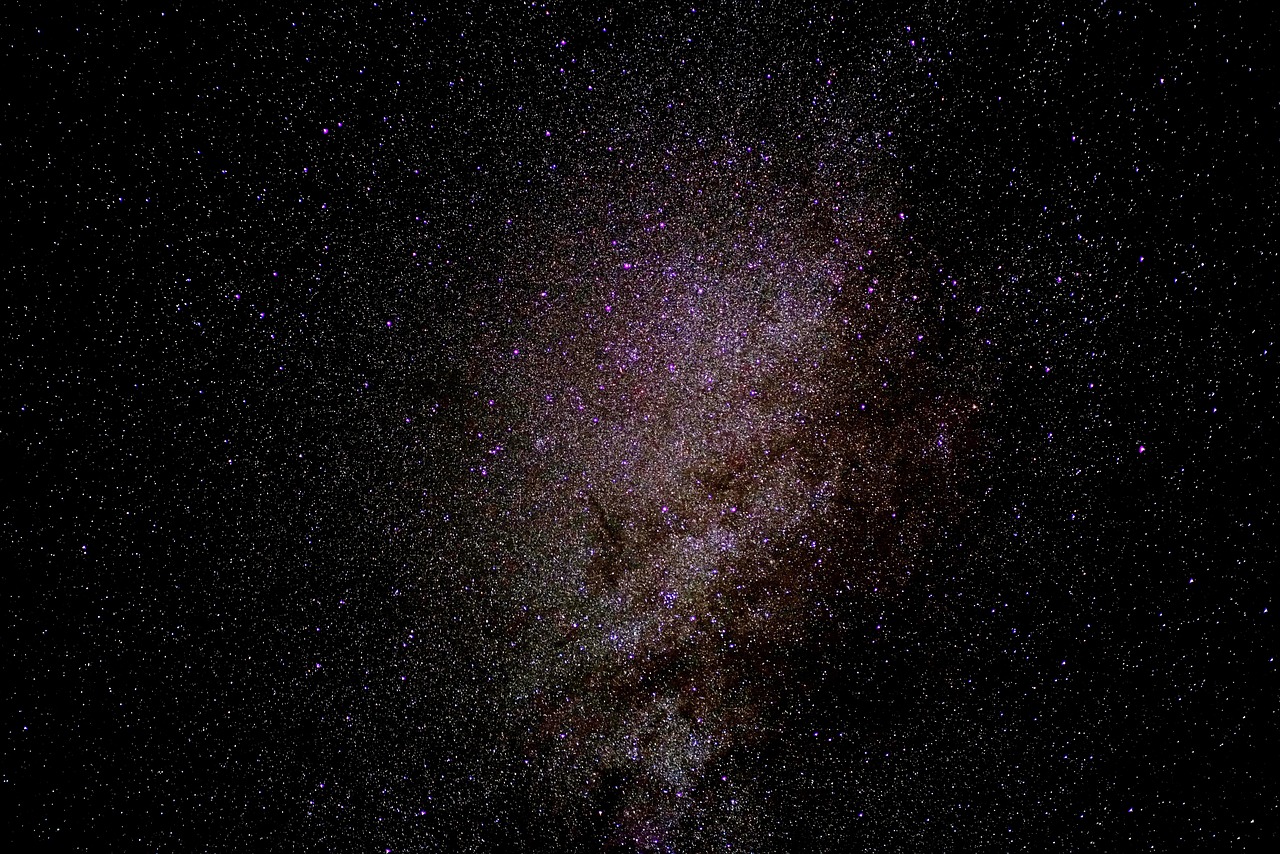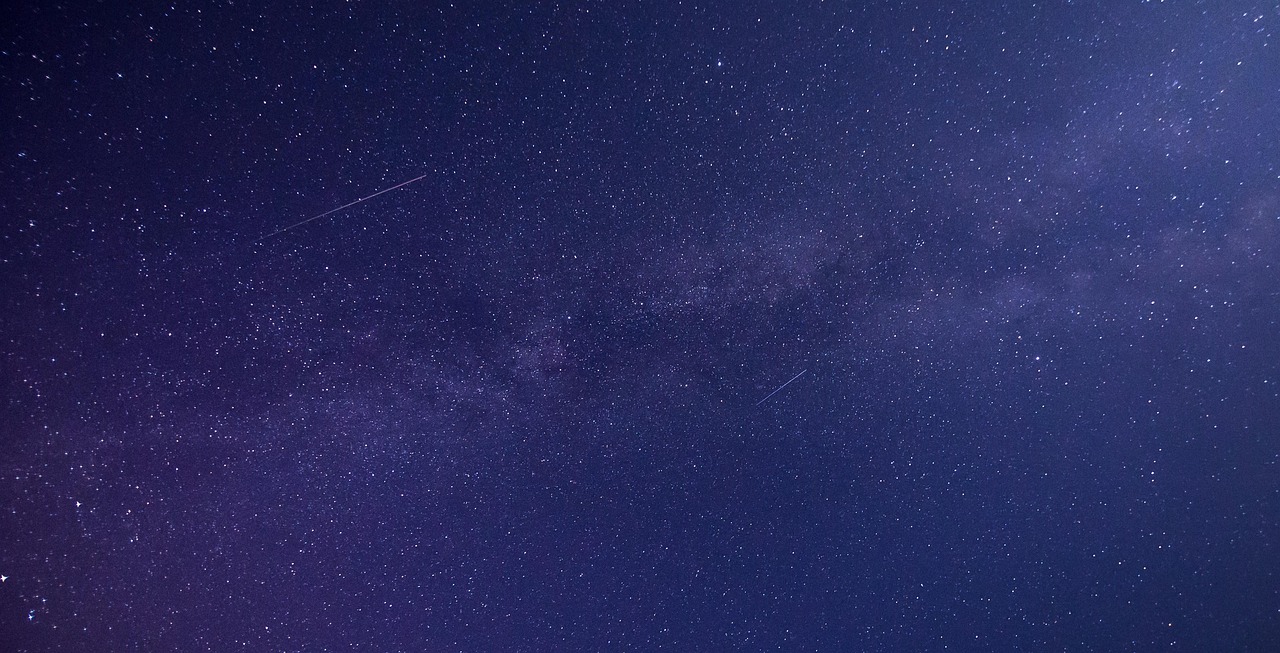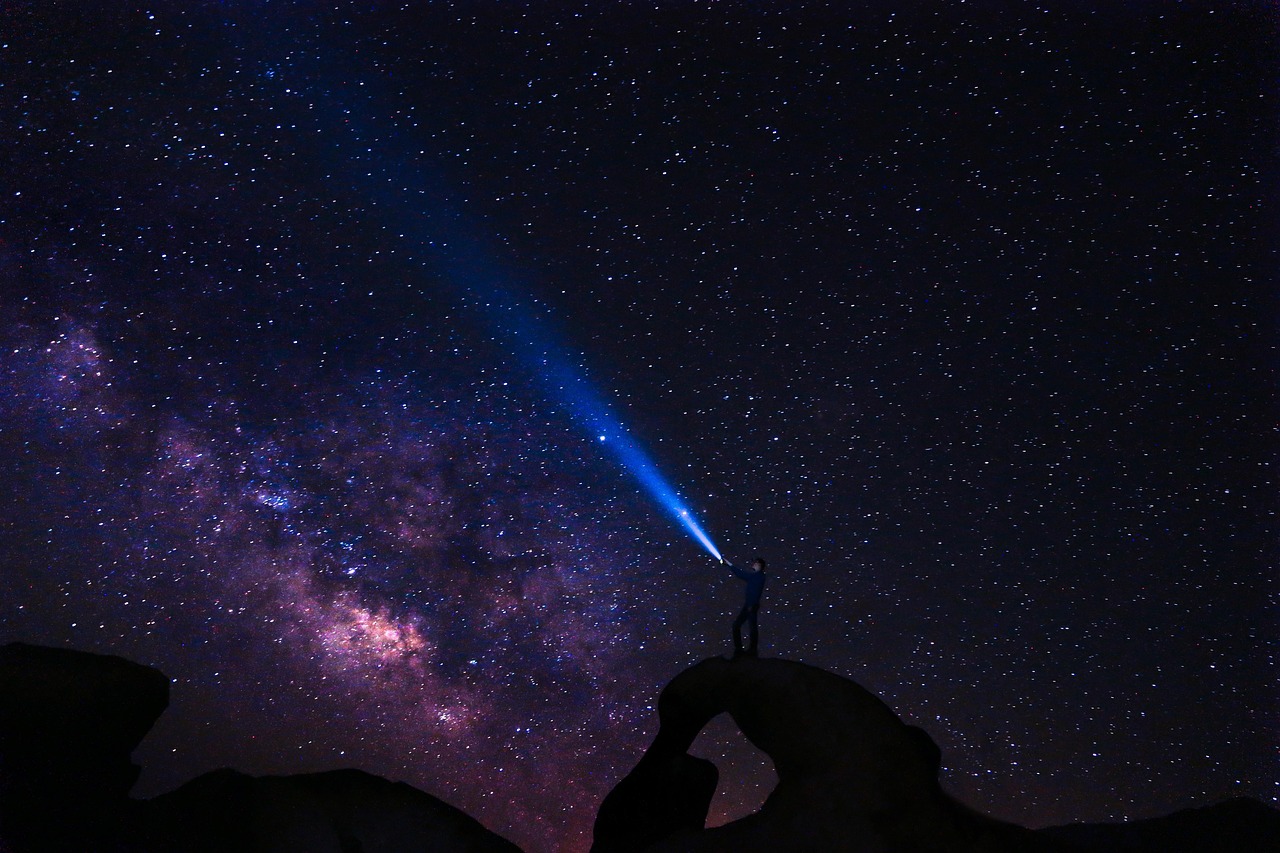
Modern smartphones have transformed the way we capture the cosmos, turning pocket devices into powerful astrophotography tools capable of stunning celestial images.

The choice between shooting in RAW or JPG format can dramatically impact your night sky photography results. Understanding this fundamental decision will elevate your smartphone astrophotography from casual snapshots to gallery-worthy stellar compositions that showcase the universe’s breathtaking beauty.
📸 Understanding File Formats: The Foundation of Night Sky Photography
When you point your smartphone camera toward the heavens, the device processes visual information in fundamentally different ways depending on your chosen format. RAW files capture unprocessed sensor data, preserving every detail the camera detects without compression or interpretation. JPG images, conversely, undergo immediate in-camera processing, compression, and optimization.
This distinction becomes critically important in astrophotography where light is scarce and every photon matters. The night sky presents unique challenges that push smartphone cameras to their absolute limits, making format selection a decision that cascades through your entire workflow.
RAW files typically consume 10-20 megabytes per image, while JPGs compress down to 2-5 megabytes. This storage difference reflects the vast amount of additional information RAW files preserve—information that becomes invaluable during post-processing when you’re trying to extract faint nebulae, enhance the Milky Way’s structure, or reveal countless stars invisible to the naked eye.
🌌 The RAW Advantage: Maximum Flexibility Under the Stars
Shooting RAW for astrophotography provides unprecedented control over your final image. The format captures 12-14 bits of color information per channel compared to JPG’s 8 bits, translating to thousands more tonal gradations. In the dark sky where subtle differences between near-black shades contain crucial detail, this expanded dynamic range becomes transformative.
White balance adjustments represent another powerful RAW advantage. Night skies contain light pollution, atmospheric effects, and varying color temperatures that can tint your images unexpectedly. RAW files allow complete white balance adjustment in post-processing without quality degradation, letting you neutralize orange light pollution or enhance the natural blue tones of twilight astrophotography.
Exposure recovery stands as perhaps RAW’s most compelling benefit for night photography. Those extra bits of data enable you to recover detail from shadows where stars hide and pull back highlights from overexposed bright stars or the moon. This latitude means you can be slightly off with your initial exposure settings and still salvage an exceptional final image.
Detail Preservation in Deep Shadows
The night sky is essentially a study in shadow detail. When you brighten a RAW astrophoto during editing, the preserved sensor data reveals stars, nebulae, and celestial structures that appear completely black in the original image. JPG files contain less shadow information due to compression, so aggressive brightening introduces noise, banding, and posterization that destroys image quality.
This shadow recovery capability allows advanced techniques like stacking multiple RAW exposures to reduce noise while maintaining fine detail—a workflow impossible with heavily compressed JPG files.
💾 The JPG Case: When Convenience Meets the Cosmos
Despite RAW’s technical advantages, JPG format offers legitimate benefits for smartphone astrophotography in specific scenarios. The immediate processing applied by modern smartphone cameras incorporates sophisticated algorithms, including noise reduction specifically tuned for low-light conditions, smart HDR processing, and computational photography techniques.
File size efficiency matters when you’re shooting long astrophotography sessions. Capturing a time-lapse sequence of the Milky Way’s movement or shooting multiple exposures for stacking can quickly consume storage. JPG’s smaller footprint allows longer shooting sessions without running out of space—particularly important when you’re in a remote dark sky location without backup storage options.
Sharing directly from your phone becomes seamless with JPG files. Social media platforms, messaging apps, and cloud services handle JPGs natively without conversion. When you capture a spectacular meteor or aurora burst, immediately sharing that JPG excitement with friends requires no additional steps.
Computational Photography Benefits
Modern smartphones like Google Pixels, iPhones, and Samsung Galaxy devices employ advanced computational photography in JPG mode. Night modes automatically combine multiple exposures, apply intelligent noise reduction, and enhance detail through machine learning algorithms trained on millions of images.
These automated systems sometimes produce better results than manual RAW processing, especially for beginners without extensive editing experience. The phone’s native processing understands its sensor characteristics intimately, applying corrections that might elude even experienced editors.
🔭 Technical Comparison: RAW vs JPG Performance Metrics
| Characteristic | RAW Format | JPG Format |
|---|---|---|
| File Size | 10-25 MB | 2-5 MB |
| Dynamic Range | 12-14 bits | 8 bits |
| Post-Processing Flexibility | Extensive | Limited |
| Immediate Usability | Requires editing | Ready to share |
| Detail Recovery | Excellent | Moderate |
| Noise Levels (initial) | Higher apparent noise | Processed/reduced |
| White Balance | Fully adjustable | Locked in |
| Learning Curve | Steeper | Minimal |
🌠 Practical Shooting Scenarios: Choosing Your Format
Different astrophotography situations favor different format choices. Understanding when each format excels helps you make real-time decisions that optimize your results.
Milky Way Photography: RAW Reigns Supreme
Capturing the Milky Way’s intricate structure demands maximum detail preservation. The galaxy’s core contains subtle color variations, dust lanes, and countless stars that benefit enormously from RAW’s expanded dynamic range. Post-processing allows you to enhance the galactic structure, reduce light pollution, and balance exposure across the frame’s bright and dark regions.
Shoot RAW when photographing the Milky Way’s arc across the sky, especially if you plan to create panoramas by stitching multiple frames. The editing flexibility ensures seamless blending and consistent color across your composite.
Moon Photography: JPG Often Suffices
The moon is exceptionally bright compared to deep-sky objects, reducing the dynamic range challenge. Modern smartphone cameras handle lunar photography well in JPG mode, and the smaller files make it easier to capture multiple phases or create comparison sequences. However, if you’re photographing the moon during twilight or including foreground landscape elements, RAW provides better balance between the bright moon and darker surroundings.
Star Trails and Time-Lapses: Format Hybrid Approach
Long star trail sequences require capturing dozens or hundreds of images. Storage constraints often make JPG the practical choice. However, some photographers shoot RAW+JPG simultaneously, using JPGs for the sequence while keeping select RAW files for hero shots or detailed compositions.
Aurora and Meteor Photography: RAW for Unpredictability
Aurora borealis and meteor captures happen in fleeting moments with constantly changing light conditions. RAW’s exposure latitude means you’re more likely to salvage perfectly usable images even if your settings weren’t ideal during the brief appearance. The ability to adjust white balance afterward helps you achieve accurate or creatively enhanced aurora colors.
📱 Essential Apps for RAW Astrophotography
Native smartphone cameras increasingly support RAW capture, but dedicated apps unlock additional control crucial for night sky photography. These applications provide manual exposure controls, focus peaking, RAW format options, and intervalometers for time-lapse sequences.
Professional Camera Applications
Applications like Adobe Lightroom Mobile offer complete manual control with built-in RAW processing. You can adjust ISO, shutter speed, and focus while shooting, then immediately edit your captures within the same application—a streamlined workflow perfect for field astrophotography.
ProCam and Camera FV-5 provide similar manual controls with emphasis on precise parameter adjustment. These apps display live histograms showing exposure distribution, helping you avoid clipping highlights or crushing shadows—critical information when photographing high-contrast night scenes.
Specialized Astrophotography Tools
Star Walk 2 and SkySafari help you locate celestial objects and plan compositions, though they don’t capture images directly. Pairing these planning tools with manual camera apps creates a powerful astrophotography system entirely within your smartphone.
✨ Post-Processing Workflow: Maximizing RAW Potential
Capturing RAW files is only half the equation—proper post-processing transforms raw sensor data into stunning astrophotography. This workflow differs significantly from casual JPG editing, requiring understanding of several key adjustment categories.
Exposure and Contrast Foundation
Begin by setting overall exposure, typically brightening the image to reveal hidden stars. Adjust blacks and shadows separately to control how deep space appears while maintaining star visibility. Increase contrast moderately to separate celestial objects from the background without creating harsh transitions.
Color Balance and Calibration
Night skies contain complex color information often masked by light pollution or atmospheric effects. Adjust white balance to neutralize unwanted color casts, then fine-tune individual color channels. Enhance blues in the twilight sky, bring out the Milky Way’s natural ochre and brown tones, and reduce excessive orange from urban light pollution.
Noise Reduction Strategies
RAW astrophotos contain more visible noise than processed JPGs, but modern editing apps provide sophisticated noise reduction that preserves detail. Apply luminance noise reduction to smooth the background while maintaining star sharpness. Use color noise reduction to eliminate chromatic artifacts without dulling subtle nebula colors.
Detail Enhancement Without Artifacts
Clarity and texture adjustments enhance the Milky Way’s structure and bring out subtle details. Apply these selectively—too much creates halos around bright stars and introduces unnatural appearance. Local adjustments allow you to enhance the galaxy’s core independently from the surrounding sky.
🎯 Advanced Techniques: Pushing Beyond Single Exposures
RAW format enables sophisticated techniques that elevate smartphone astrophotography to near-DSLR quality. These methods require additional effort but produce dramatically superior results.
Image Stacking for Noise Reduction
Capturing multiple identical RAW exposures and averaging them during post-processing reduces noise while preserving detail. Apps like Sequator or Deep Sky Stacker (requiring computer processing) align and combine images, revealing faint structures impossible to capture in single exposures. This technique particularly benefits photographs of deep-sky objects like the Andromeda Galaxy or Orion Nebula.
Exposure Bracketing and HDR
The night sky sometimes includes extreme brightness ranges—a bright moon alongside the Milky Way, or foreground landscapes with the stars above. Shooting multiple RAW exposures at different settings and merging them creates high dynamic range images displaying detail throughout the tonal range.
Focus Stacking for Foreground Sharpness
Landscape astrophotography compositions include terrestrial foregrounds and celestial backgrounds. Smartphone cameras struggle with depth of field at night. Shoot one RAW exposure focused on foreground elements and another focused at infinity for stars, then blend them in post-processing for complete sharpness.
⚠️ Common Pitfalls and Solutions
Both RAW and JPG astrophotography present challenges. Recognizing these issues helps you avoid frustration and achieve consistent results.
RAW File Workflow Complexity
New astrophotographers sometimes feel overwhelmed by RAW editing requirements. Start with preset adjustments designed for astrophotography, gradually learning how individual sliders affect your images. Many editing apps include night sky presets that provide excellent starting points.
Storage Management
RAW files consume storage rapidly during long shooting sessions. Carry sufficient capacity or bring portable storage. Consider shooting RAW+JPG, keeping JPGs for immediate review and reference while transferring RAW files to backup storage.
Over-Processing Temptation
RAW’s flexibility can lead to excessive editing that creates unnatural results. Maintain subtle adjustments, regularly comparing your edited version against the original. Realistic astrophotography often requires restraint—letting the natural beauty of the cosmos shine without excessive manipulation.
Focus Challenges in Darkness
Achieving sharp focus on stars challenges even experienced photographers. Use your camera app’s manual focus set to infinity, or focus on a distant light source before recomposing. Some apps provide focus peaking that highlights sharp areas, invaluable for confirming accurate star focus.
🌟 Making Your Format Decision: Personalized Recommendations
Your ideal format choice depends on your goals, experience level, and typical shooting situations. Consider these profiles to determine which approach best serves your astrophotography aspirations.
For Beginners and Casual Shooters
Start with JPG to learn composition, timing, and basic night sky photography concepts without worrying about post-processing. Use your phone’s night mode for automated optimization. As you gain confidence and desire more creative control, gradually incorporate RAW shooting for your best compositions.
For Enthusiasts Pursuing Quality
Shoot RAW exclusively to maximize your images’ potential. Invest time learning mobile editing applications that unlock RAW advantages. Build a consistent workflow from capture through processing, developing techniques that become second nature. Your dedication will produce images distinguishable from casual smartphone astrophotography.
For Social Media and Sharing Focus
JPG format streamlines the shooting-to-sharing pipeline essential for social media content. Modern smartphone night modes produce impressive results ready for immediate posting. Selectively shoot RAW for exceptional scenes you plan to feature as portfolio pieces or prints.
For Hybrid Shooters
Enable RAW+JPG simultaneous capture if your device supports it. Review JPGs immediately for composition and exposure verification while preserving RAW files for later processing of your best shots. This approach combines convenience with flexibility, though it consumes storage most rapidly.
🚀 Elevating Your Stellar Photography Journey
The RAW versus JPG decision in smartphone astrophotography isn’t about declaring one format universally superior—it’s about matching tools to intentions. RAW format provides unmatched flexibility and quality potential for photographers willing to invest time in post-processing. JPG offers convenience, efficiency, and increasingly impressive automated results as computational photography advances.
Your night sky photography will flourish when you thoughtfully select formats based on each shooting situation’s specific demands. Experiment with both approaches, noting how different subjects and conditions respond to each format’s strengths. The technical knowledge you develop serves as foundation, but your creative vision ultimately determines which stellar shots emerge from the darkness.
The universe awaits your unique perspective, whether captured in detailed RAW files ready for extensive editing or convenient JPGs perfect for sharing wonder immediately. Understanding these formats empowers you to unlock the night sky’s full potential, transforming your smartphone into a genuine astrophotography instrument capable of revealing cosmic beauty that inspires and amazes.